Facebook
 Google
 GitHub
 Linkedin
KEB Adds Scope 2.0 Oscilloscope to Combivis 6
Scope 2.0 enhances Combivis 6 with recording, overlay analysis, and motion profiling tools for frequency inverters and servo amplifiers.
KEB has introduced Scope 2.0 as an expansion package for Combivis 6, adding software-based oscilloscope functionality to its drive configuration platform. The multichannel tool allows users to monitor and record internal servo amplifier and frequency inverter signals in real time. With flexible triggering, snapshot recording, and motion curve overlay analysis, Scope 2.0 enhances troubleshooting and PID tuning capabilities. The upgrade provides advanced diagnostics without requiring an external oscilloscope.
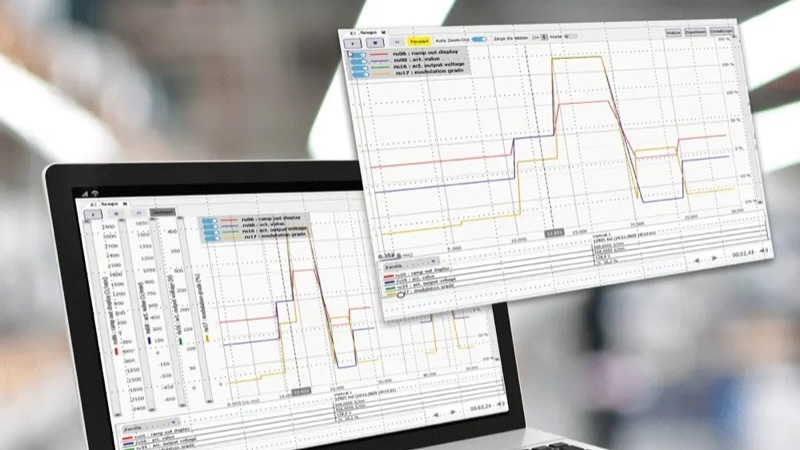
The Scope 2.0 software overlaying trends for analytics. Image used courtesy of KEB
Servo Amplifier Signals
A servo drive takes dirty line power and converts it to clean power at different frequencies. This clean electrical source is then used to drive servo motors to accurate positions or consistent RPMs. When problems arise in these systems, it can be difficult to troubleshoot because the signals are high-frequency. An oscilloscope can display these signals in a way that allows us to analyze them logically. Unfortunately, oscilloscopes are often large, expensive pieces of equipment that not every integrator or factory has at their disposal. Since the Combivis 6 software is virtually required when using KEB servos, users can simply purchase the add-on when needed.
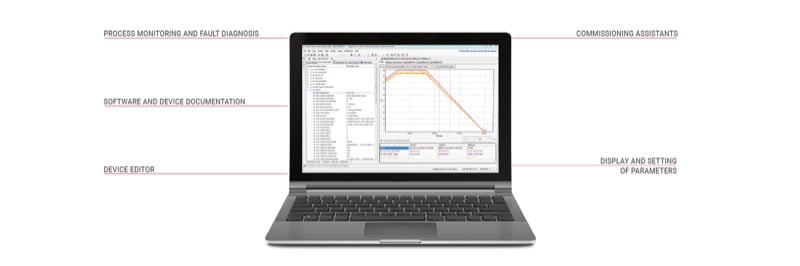
Combivis 6 makes it easy to manage the complexities of servo drives. Image used courtesy of KEB
Scope 2.0
The Scope 2.0 software package integrates directly with KEB’s Combivis 6 software and includes troubleshooting and monitoring features. One indispensable feature is flexible recording. Most servo signals and anomalies occur very quickly and can easily be missed by simply monitoring signals on a screen. The Scope 2.0 software supports flexible recording that can be triggered by the computer's internal clock or by defined bits within the drive system. The recorded servo parameters can be paused or locked at any time. Once a snapshot has been recorded, the Scope 2.0 software can overlay different recordings for motion curve analysis. When analysing motion profiles, it is often beneficial to compare changes; by overlaying the different profiles, you can see their effects and even measure them.
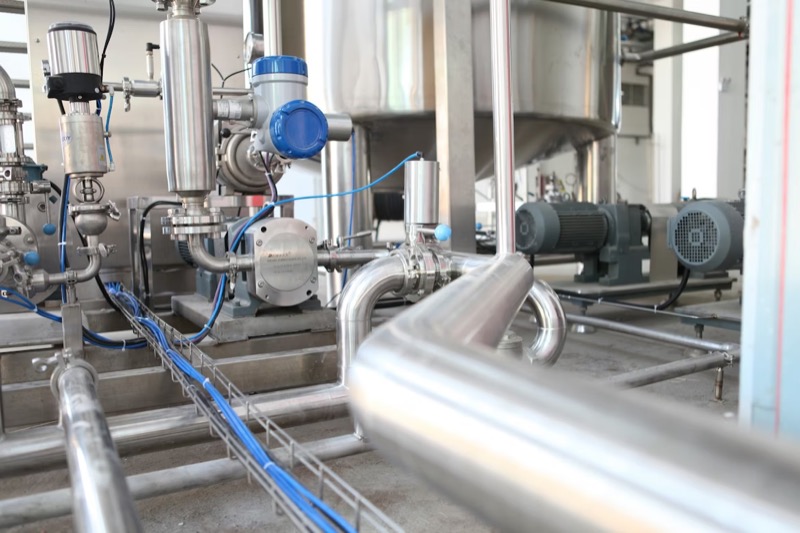
Pumps in process automation often control speed for managing product flow. Image used courtesy of Unsplash
Analysing Your Motion Profile
Motion profiles will show how your system behaves with the configured PID gains. If your gains are not set correctly, you will often see an overshoot of position, or if your acceleration and deceleration are too aggressive, you could degrade your motor prematurely. By using the Scope 2.0 software add-on, you can create profile curves with different gain and parameter settings, overlay them on top of each other, and see the effects easily. The feature provides users with the tools to build efficient, accurate motion profiles without expensive, bulky hardware.