Facebook
 Google
 GitHub
 Linkedin
Banner Engineering Releases Status Display for Device Communication
Banner Engineering has released an electronic status display with a 10 m viewing distance. The new status display utilizes LEDs and text to indicate equipment status. No PLC is required for operation.
Displaying the status of equipment or processes is typically a job for the HMI, but there is more than one way to display statuses. Introducing Banner Engineering's SD50 Pro Status Display, a marquee-style display banner that can show equipment status and processes in text form and multicolored LEDs.
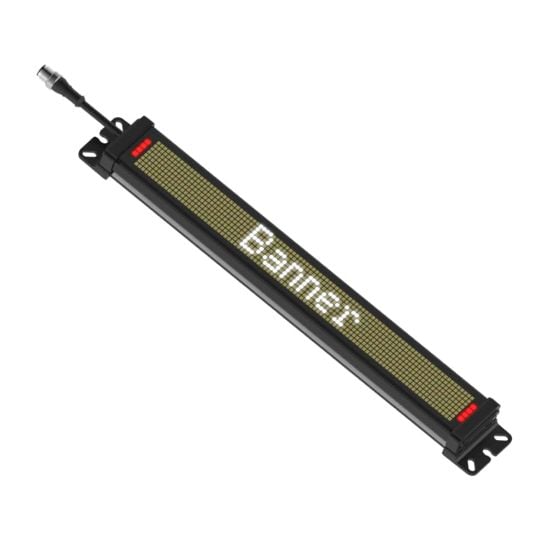
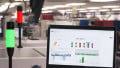
Banner Engineering’s SD50 Status Display uses LEDs and text to communicate device and process status. Image used courtesy of Banner Engineering
SD50 Status Display
Banner Engineering’s new SD50 Pro Status Display can feature 16 fixed-position characters and up to 32 characters when using its built-in scrolling feature. The 28 mm-high characters are displayed using bright white LEDs that can be seen from up to 10 m away. On either end of the display is a set of four multicolored LEDs that allow for indication using up to seven color options and multiple animation options. These LEDs are included to enhance the message being displayed by the SD50.
Communicating with the SD50 or altering the display message doesn't require a PLC of any kind. The SD50 configuration and message are set using Banner's Pro Editor software. This software is used to save different messages and indication settings. Discrete inputs are then used to execute the saved parameters. If using the IO-Link or Modbus models, parameters can be manipulated over the industrial network, and display messages can be changed dynamically using a string data type. The SD50 uses a standard 5-pin connector with built-in features to hide the cable when mounted on a wall.
A vented housing is used to reduce condensation build-up inside the unit when moved from different locations. With venting, the SD50 is still IP65-rated, so it can be installed in most industrial settings.
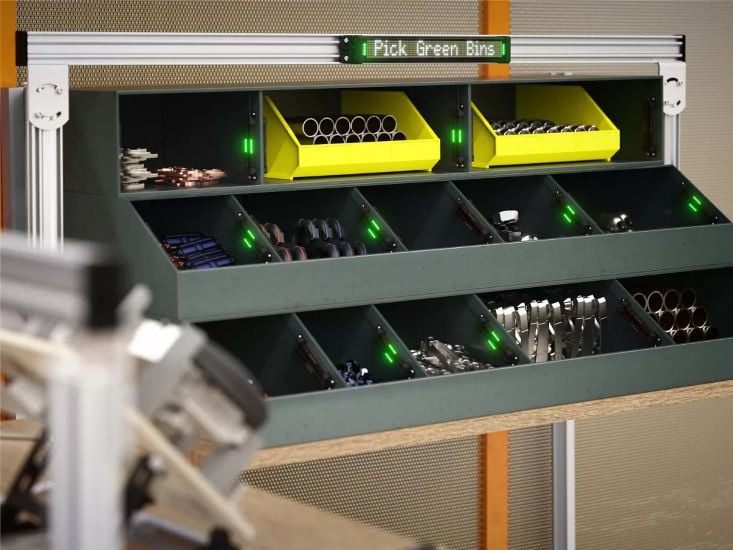
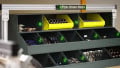
The SD50 Status Display being used in a bin-picking application. Image used courtesy of Banner Engineering
A No PLC Solution
Companies are seeing the advantage of automating their processes no matter how small, and the SD50 from Banner is just one example of adding cost-effective solutions to a process. An HMI requires a PLC to set tags and status from equipment. Indicator lights do not need a PLC, but they can only show three or possibly four statuses without a complex series of flashing lights. The SD50 can store configured messages and indicator settings and display those messages with discrete inputs, making the SD50 a simple, cost-efficient solution.
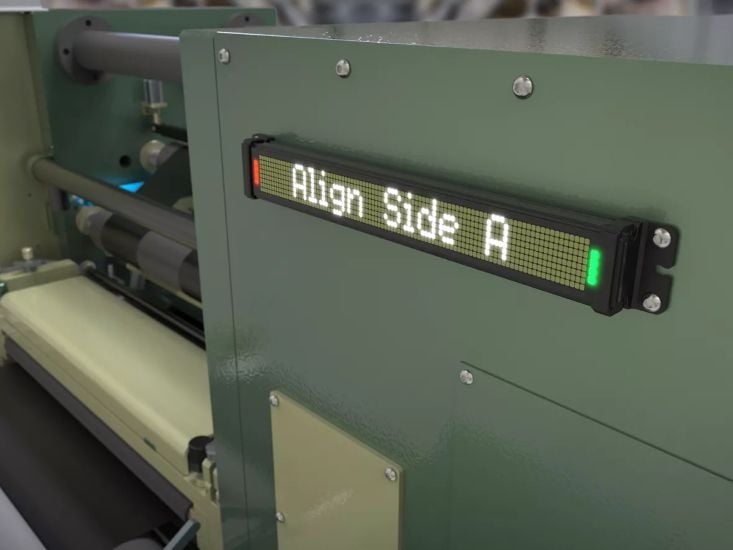
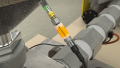
The SD50 Status Display can communicate application information to operators without the need for an HMI or PLC. Image used courtesy of Banner Engineering
Automation Made Simple
A PLC is a great way to add automation to a process, but it can be expensive, and some knowledge is required to program it. If your process is simple enough, you might get away with relays and sensors, but it's hard to add complex statuses without a PLC and HMI. Simple installations might include fill levels or press measurements, operator instructions, or bin-picking applications. Products like the SD50 allow designers to build simple equipment without the need for a PLC and HMI but still provide status messages to their operators.